
SoundTouch shutdown guide
How to Keep Using Your Bose SoundTouch Speakers in 2026
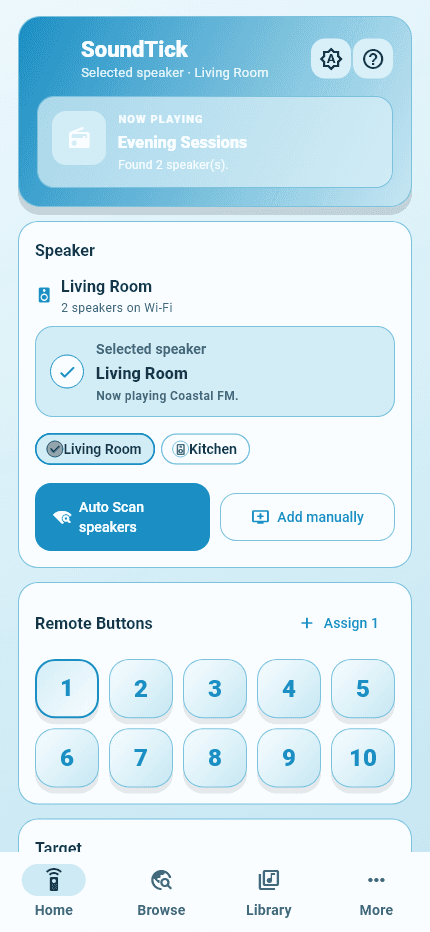
Your Bose SoundTouch speaker has not automatically become unusable. Bose ended its SoundTouch cloud service on 6 May 2026, but its updated app retains local setup, basic controls and speaker grouping. What disappeared includes music-service browsing inside the Bose app and the original cloud-dependent preset experience.
5 September 2026Read article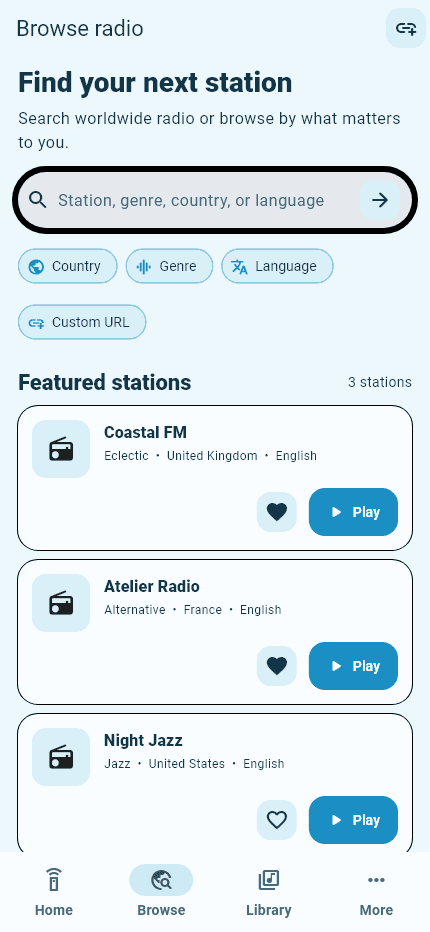
Internet radio guide
Bose SoundTouch Internet Radio: How to Find and Play Stations
To listen to internet radio on a compatible Bose SoundTouch speaker, you need a working station stream and a supported way to start it. SoundTick brings station search and local speaker control together, so you can choose what to hear and where to play it.
5 September 2026Read article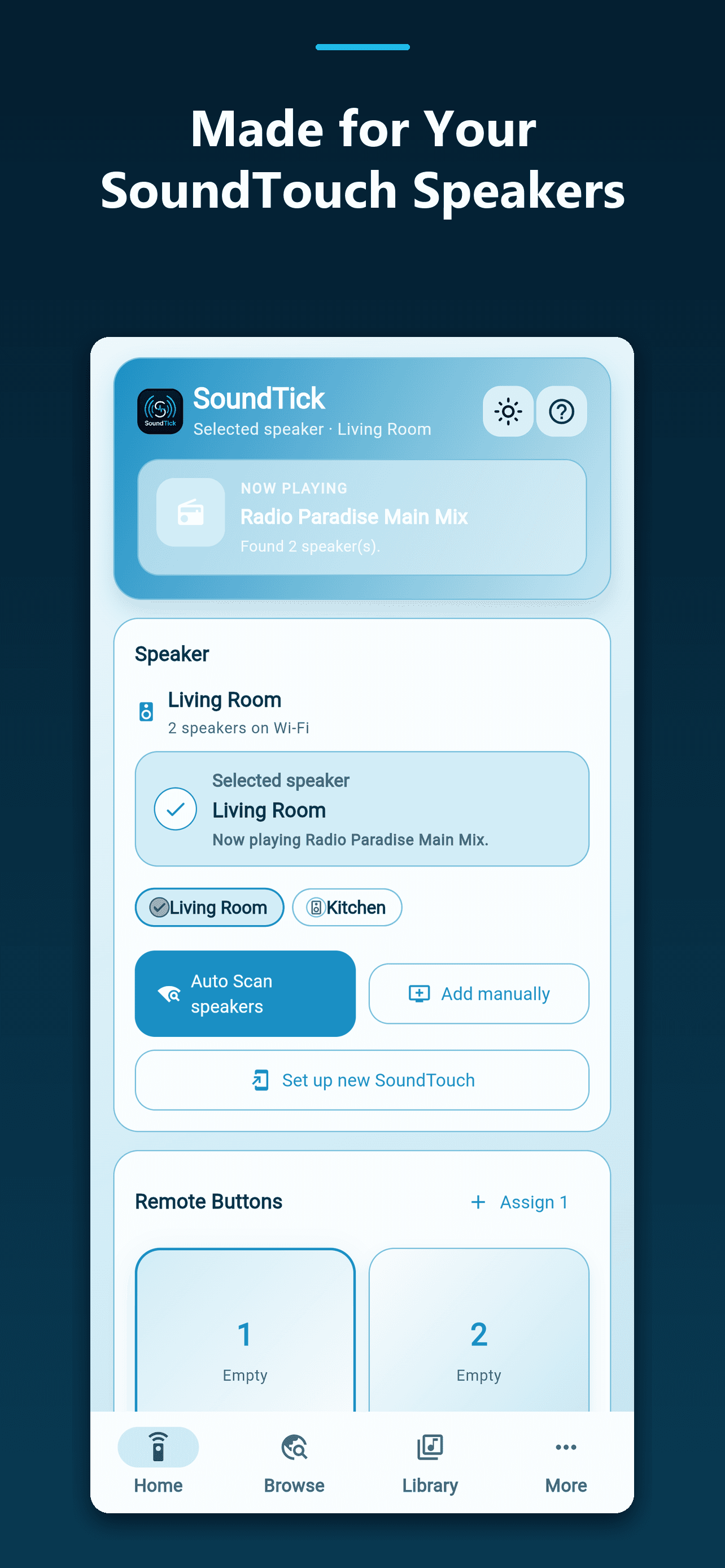
SoundTouch Wi-Fi setup
How to Set Up Bose SoundTouch on Wi-Fi or Connect to a New Router
Changed your router, moved home or updated your Wi-Fi password? Your SoundTouch speaker may simply need new network details. Connecting it to the network and discovering it in a controller app are two separate steps.
5 September 2026Read articleSoundTouch decision guide
Bose SoundTouch Alternatives in 2026: Keep Your Speakers or Replace Them?
The right Bose SoundTouch alternative depends on what you are trying to replace: a listening app, radio access, physical presets or the entire speaker system.
5 September 2026Read articlePractical SoundTouch ideas
10 Things You Can Still Do With Your Bose SoundTouch Speakers
Before moving a SoundTouch speaker into a cupboard, give it a specific job. A useful kitchen radio or a familiar music setup in the study can be worth keeping even when the original software experience has changed.
5 September 2026Read articlePhysical preset explainer
Bose SoundTouch Preset Buttons: Why They Stopped Working, How They Can Return and What Servers Cost
A physical button feels as though it should work locally: press a number and hear your station. That expectation makes the loss of SoundTouch presets particularly frustrating.
5 September 2026Read article